Delightex Edu is a browser- and app-based 3D/VR/AR creation platform for schools — students and teachers build “Projects” (made of one or more “Scenes”) using a library of 3D assets, building blocks, and visual/text coding, then explore them in several modes including VR on a ClassVR headset.
Account and class setup
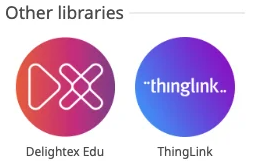
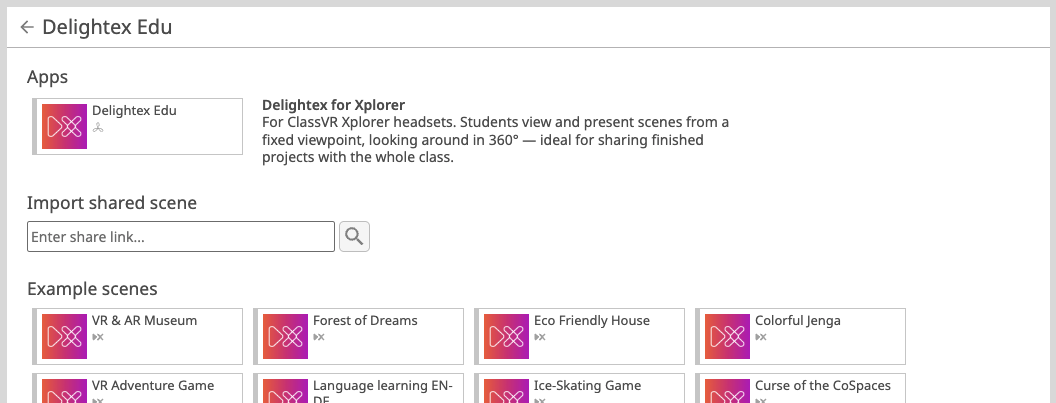
If you have an Eduverse or Eduverse+ license you should be able to drag over the Delightex Edu app or one of the example scenes into the Playlist panel to launch on your Xplorer headsets:
Delightex Edu is account-based. This is an important contrast with the AttainXR STEM pack, which has no login at all on ClassVR.
● Teacher: signs up free at delightex.com/edu for a Delightex Edu Basic account (30 seats: 1 teacher + up to 29 students), or upgrades to Pro for more seats and full features.
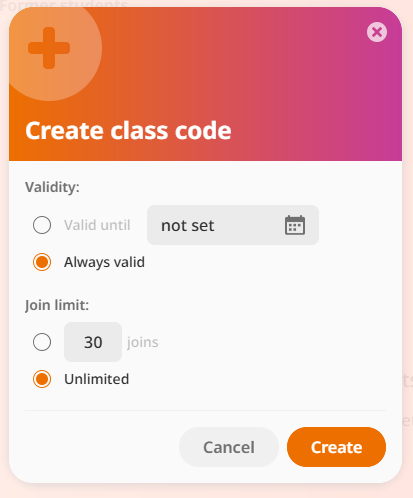
● Teacher creates a Class from the left-hand menu, which generates a class code.
● Student: creates an account (if applicable - not required, from a computer or the mobile app), enters the class code provided by the teacher, and chooses login details.
● Once inside a class, students open assignments their teacher has created; teachers can also allow students to create their own Projects in a Playground.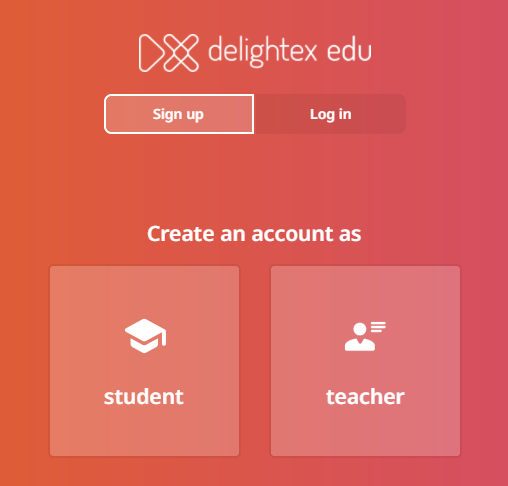
Viewing a Project on a ClassVR headset
Content is authored once (desktop, tablet, or phone) and can then be explored in four ways; VR mode is the one relevant to ClassVR. This is via the playlist function of the ClassVR portal.