

AttainXR Content
Biology Dissections and Molecule Builder are the two applications making up the initial AttainXR STEM pack being deployed to ClassVR headsets via Eduverse STEM.
AttainXR Tracks
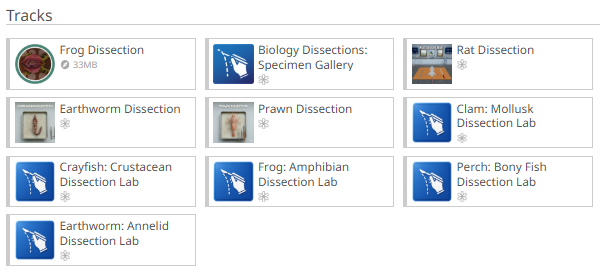
- Biology / VR Dissection Lab
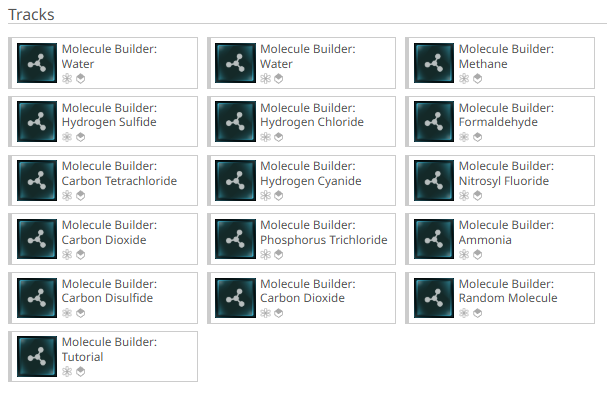
- Molecule Builder
How the tracks are deployed
- Delivery format: 2 tracks via playlists. Biology Dissection Lab and Molecule Builder.
- Dissection modules included: Clam, Fish, Crayfish, Frog, Worm.
Launching the tracks
The STEM pack is designed to be a low-friction launch for schools:
- There is no separate account sign-in or activation code needed by the teacher or student to open Biology Dissections or Molecule Builder.
- A language selector appears at launch (Changing language affects all on-screen text, UI, and voice-over.)
- A deep link allows the language to be changed from within the experience without restarting from the headset home screen.
The tracks are loaded from the relevant section in the portal. Just drag the tracks to the ‘Playlist’ area and send to the ‘connected’ devices via the ‘Plan’ tab.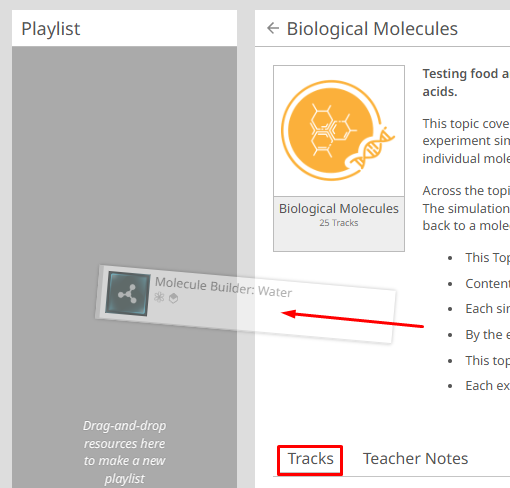
In-App Navigation Controls (once launched)
Both applications use the same three core interactions, described identically in each Quick How-To Guide:
| Action | How it works |
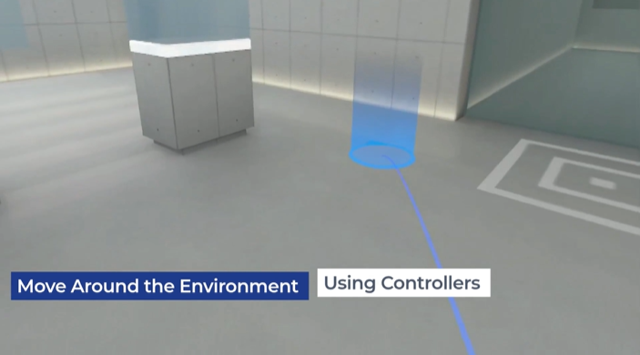
| Move around | Push forward on the thumbstick to activate teleportation; aim at the desired location (a blue circle shows the landing spot); release the thumbstick to move. |
| Grab objects | Hover the virtual hand over an interactive object (in Molecule Builder a coloured outline shows it can be selected); press and hold the grab button (under the middle finger) to pick up and position it; release to let go. |
| Press buttons / menus | Reach the virtual hand toward a button or menu option; when close enough the hand automatically changes to a pointing pose; tap the button to select. |
- Index finger (Trigger - at rear) to ‘Select’ or ‘Point’
- Middle Finger (Black side button) to ‘Grab’ and/or ‘Pickup’
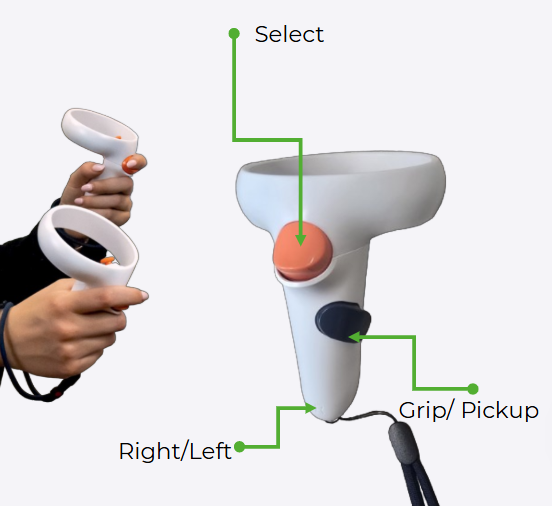
- Push the ‘Thumbstick’ forward to activate ‘teleport’
● Molecule Builder additionally has a movable Instruction Panel (grab the bottom edge to reposition) and a Home button to switch between Tutorial, Select Molecule and Random Molecule modules.